Features and functions :
� all stack combinations on push buttons
� support for 2, 3 or 4 antennas, configurable from computer
� special configurable stack functions:
|
T/R |
- |
separate stack combination for transmit and receive. |
|
|
In
practice, it happens quite often that you need to have a
different combination of the stack for receiving and transmitting, e.g.
when opening and closing bands, when transmitting to various directions
etc. All this happens fully automatically (based on PTT signal) and the
switching is protected against hot switch. |
|
BOP |
- |
both out of phase option for your stack |
|
|
Sometimes
it is good to degrade the properties of the stack and worsen the
decreased vertical angle of antennas obtained by stacking. This can be
achieved by connecting the antennas out of phase, and enables to
make a QSO to short distance with low take-off angle by stacked
antennas. |
|
AUX |
- |
one antenna out from stack |
|
|
This
option enables to exclude any antenna from the stack and connect it
into a separate feed. This function is very useful when stacking multiband
antenna where one of the antennas of the stack can be used for an
another radio for SO2R operation. |
� 3 modes of buttons behavior
� remote controllable and configurable from computer
� programmable, relays separated 8 source or sink outputs
� configurable with "microHAM Device Configurator�" computer software
� steel and aluminum case for best EMI suppression
� all I/O lines are filtered with an inductor choke filter
� outputs protected against overload and short
� PTT input protected against overvoltage
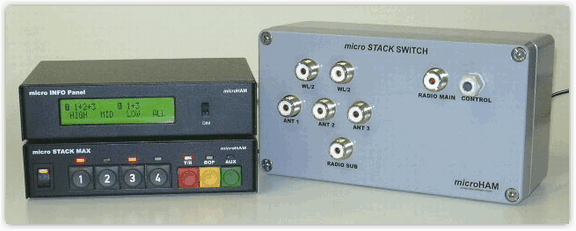
micro
STACK MAX� is fully software configurable and provides a choice of
functions and modes of operation. We believe that some of them will
suit your needs the best. All configured parameters of the micro STACK
MAX (number of antennas, BOP, buttons behavior etc.) are stored into a
non-volatile memory, so they remain stored in the micro STACK MAX until
you change them.
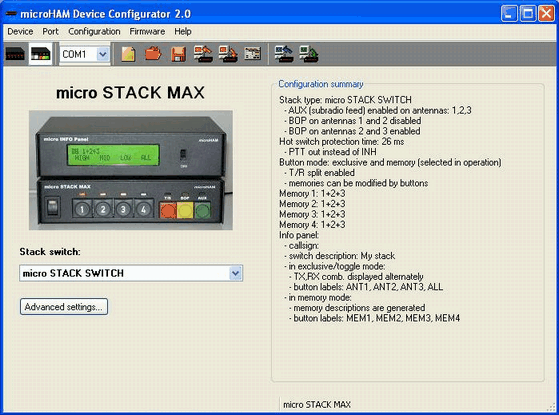
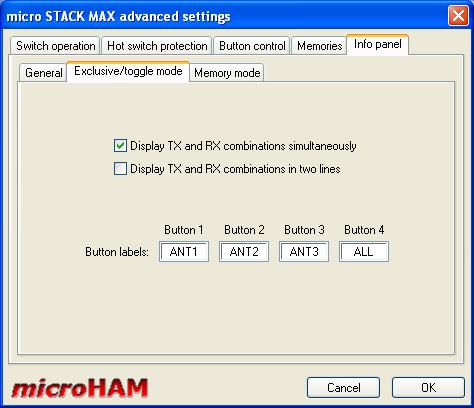
Take a look on screen shots of microHAM Device Configurator, or
download
it for free and try all the features of micro STACK MAX.
Main window
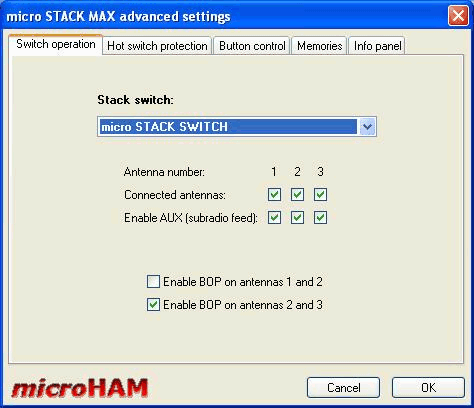
Antennas and BOP configuration
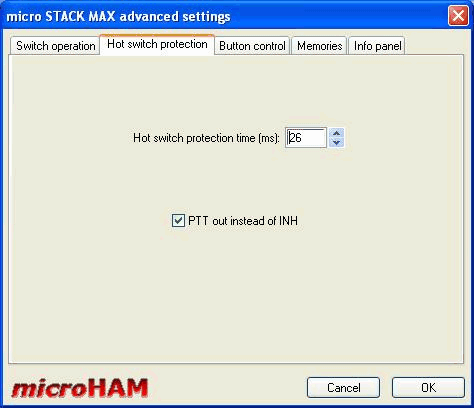
Hot Switch Protection
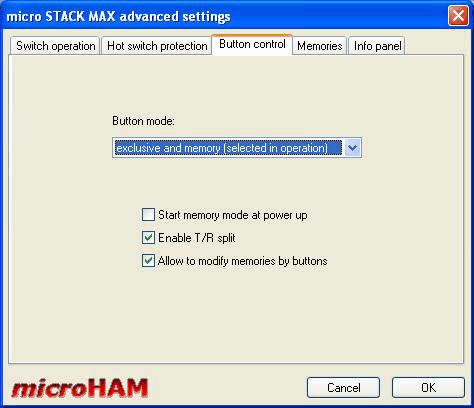
Button Control Tab
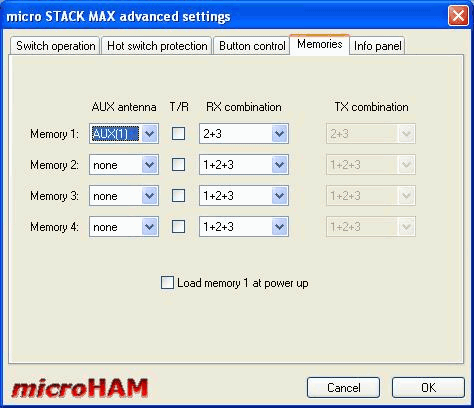
Memory Mode Configuration Tab
Optional LCD INFO Panel
set-up
Copyright � 2010 - microHAM America, LLC
webmaster: W4TV